STARLANCER / ART RESTORATION
THE FLEET,
RECOMMISSIONED.
Familiar silhouettes. A new level of detail.
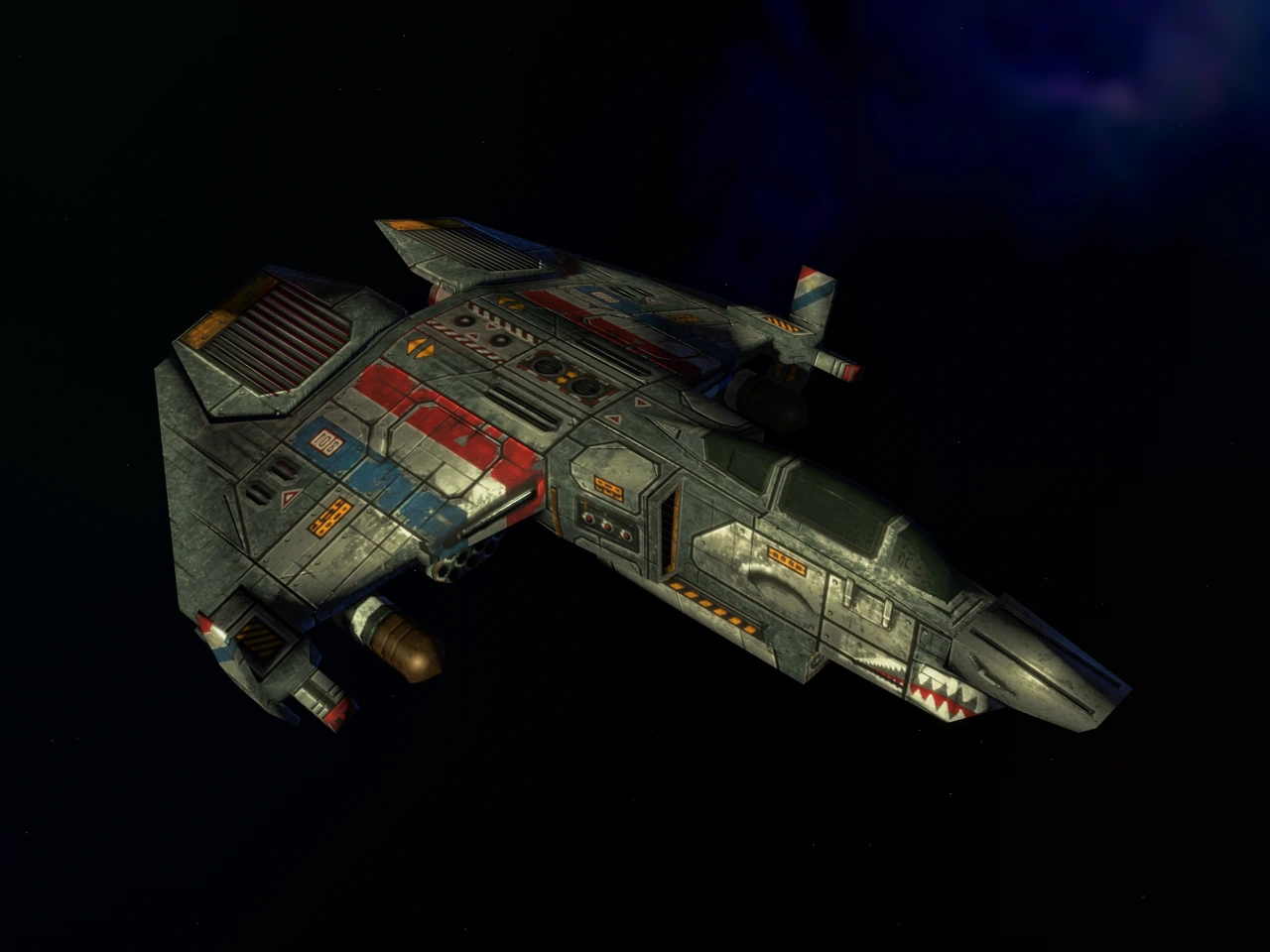
Restored ships, worlds and interface artwork for StarLancer — ready to explore, one pack at a time.
Independent artwork. Original spirit.
More artwork is on the way.
Look for the “Coming soon” label.
Loading collection progress…
Available assets and packs; beta refinements and additional liveries remain ongoing.
Each base asset or pack counts once. Names awaiting a model and texture audit remain listed, but do not add to the progress total.
THE COLLECTION
Find your next upgrade.
Choose a group or jump straight to a subcategory.
Explore the artwork and what’s coming next.
Fighters & Bombers
BACK INTO THE COCKPIT
A new look.
The same game.
You’ll need your own installed copy of StarLancer and the OpenReliant version listed for your chosen pack.
Full installation guide- 01
Pick your pack
Download the individual ZIP for the ship or artwork you want.
- 02
Add it to your game
Close OpenReliant and back up the older mod. Put the new folder inside
modsbesideresource.hog; replace the old folder completely when upgrading. - 03
Restart and explore
Enable the pack under Game Options → Mods, restart, and take a closer look.
HELP SHAPE THE NEXT PASS
Spotted something out of place?
A screenshot, ship name and a few steps help turn a rough edge into a better pack.